
Drag + Scroll
An optional gesture for assigning a window to a zone mid-drag — hold a modifier to show the overlay, scroll to switch layouts, and drop to place it.
Drag + Scroll is an optional gesture for people who prefer the mouse. Instead of opening Arrange Mode from the keyboard, you drag a window, bring up the zone overlay with a modifier key, and drop the window into a zone. It is off by default — the rest of Framis never touches your drags until you turn this on.
Turn it on
- Open Settings → General.
- Enable Drag + Scroll.
- Two more options appear: the Trigger modifier and the Activation mode.
How it works
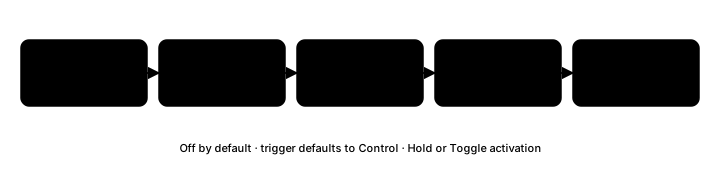
- Start dragging any window.
- Hold the trigger modifier (Control by default). The zone overlay for the current layout appears.
- Scroll up or down to switch to the previous or next layout without letting go.
- Drop the window over a zone to assign it. Framis moves and resizes the dragged window to fill that zone.
If you release the trigger (or move to another Space) before dropping, the overlay closes and nothing is moved.
Activation mode
The Activation mode decides how the trigger behaves:
- Hold — the overlay is active only while you keep the modifier pressed. Let go and it disappears.
- Toggle — press the modifier once (while dragging) to turn the overlay on, and press it again to turn it off.
Trigger modifier
The default trigger is Control. To change it, click the recorder in Settings → General and press the modifier combination you want (for example ⌃⌥). Use the reset button to return to Control. The trigger must include at least one modifier.
When to use it
Drag + Scroll suits mouse-first arranging — grab a window, glance at the zones, and drop. Keyboard-first users can ignore it entirely and keep using the Arrange Mode hotkey. Because it is opt-in, it is also the one case where Framis watches your window drags; leave it off and Framis stays out of your normal mouse use.